
Online Doodle Board: Brush Colors, Eraser Preview, Fullscreen Canvas, and PNG Export
Use toolbox.mom as a lightweight online doodle board with brush colors, adjustable brush size, eraser range preview, fullscreen mode, and PNG export.
Open related tool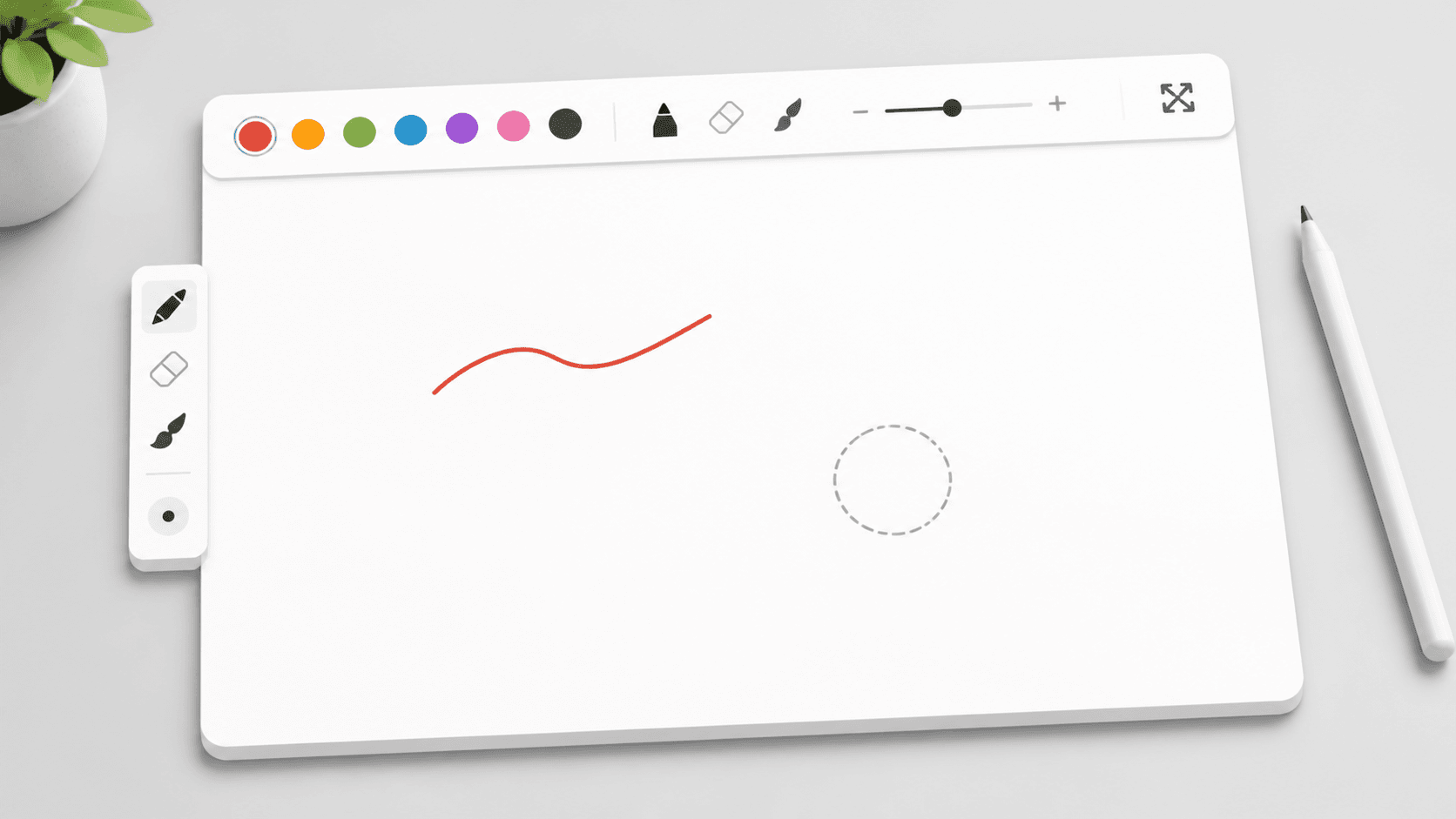
Quick answer
Use toolbox.mom as a lightweight online doodle board with brush colors, adjustable brush size, eraser range preview, fullscreen mode, and PNG export.
Key takeaways
- Mark important areas on product screenshots or web screenshots.
- Sketch flows, layout ideas, route maps, or handwritten reminders.
- Draw live during meetings, teaching sessions, demos, or quick reviews.
- Create a lightweight PNG note directly from the browser.
Some visual notes do not need a heavy design app. You may only need to circle part of a screenshot, sketch a quick flow in a meeting, explain an idea during class, or create a small image that can be shared with a teammate.
toolbox.mom Online Doodle Board is built for that lightweight moment. Open the page, draw on the canvas, erase what needs cleanup, and export the result as a PNG.
The workspace keeps the controls focused: brush color, brush size, eraser, clear canvas, fullscreen mode, and export. There is no project setup and no menu digging before you can start drawing.
When It Helps
- Mark important areas on product screenshots or web screenshots.
- Sketch flows, layout ideas, route maps, or handwritten reminders.
- Draw live during meetings, teaching sessions, demos, or quick reviews.
- Create a lightweight PNG note directly from the browser.
Brush Size, Colors, and Eraser Preview
The drawing board supports multiple brush colors and an adjustable brush size slider. Thin strokes work well for writing and outlines, while larger strokes make emphasis marks easier to see on a shared screen.
Both the brush and eraser show their active area on the canvas. That preview makes it easier to understand how much space the next stroke or erase action will affect, which is especially useful when the canvas is large or fullscreen.
Fullscreen Canvas and PNG Export
Fullscreen mode gives you more room to draw while keeping the important controls nearby. When the sketch is ready, the export button saves the current canvas as a PNG that can be sent in chat, inserted into a document, or reused in slides.
You can also combine it with toolbox.mom image tools: crop an image first, add marks on the doodle board, then compress the exported PNG before sharing.